
Convert functional CAD models
Feature-Based conversion for seamless Engineering Workflows
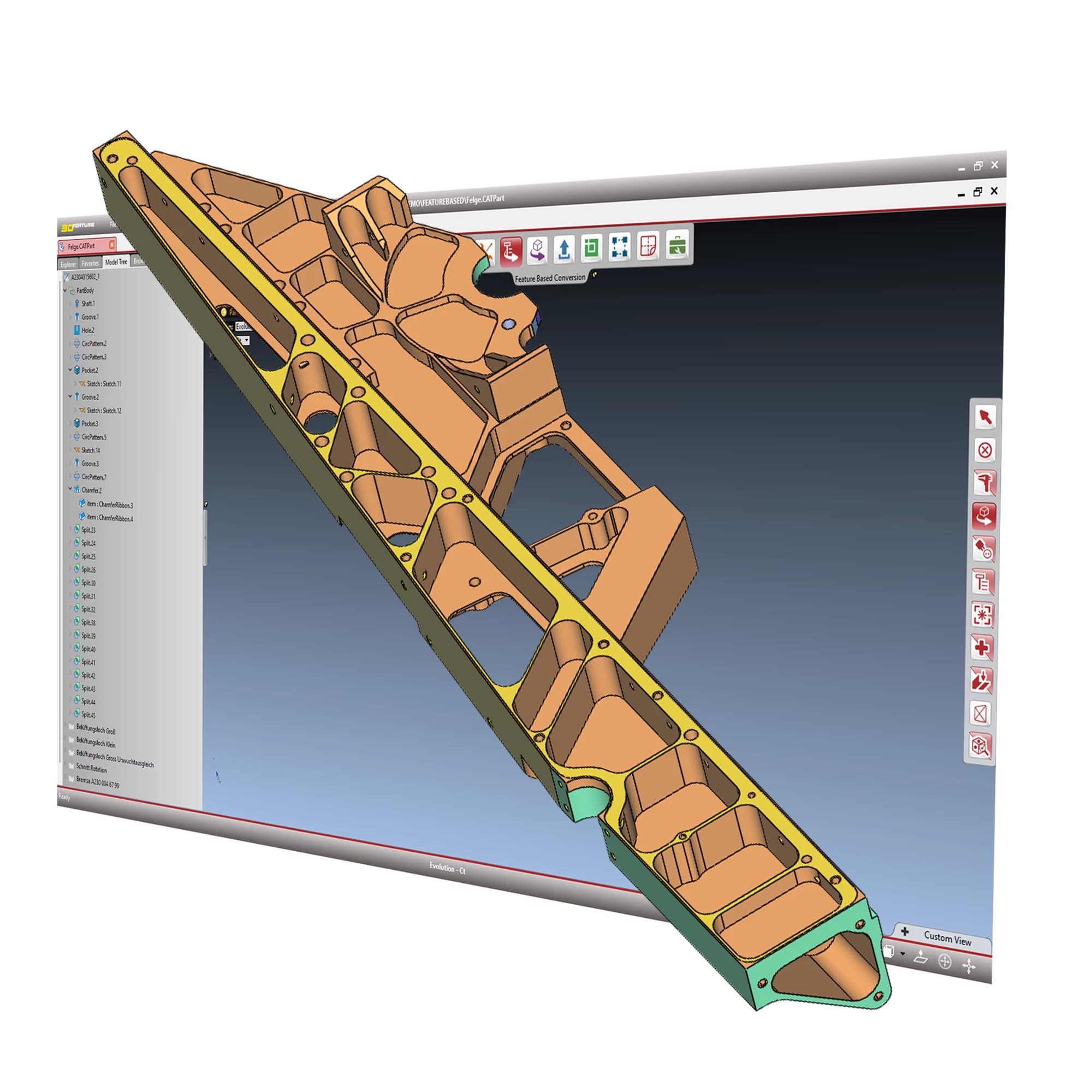
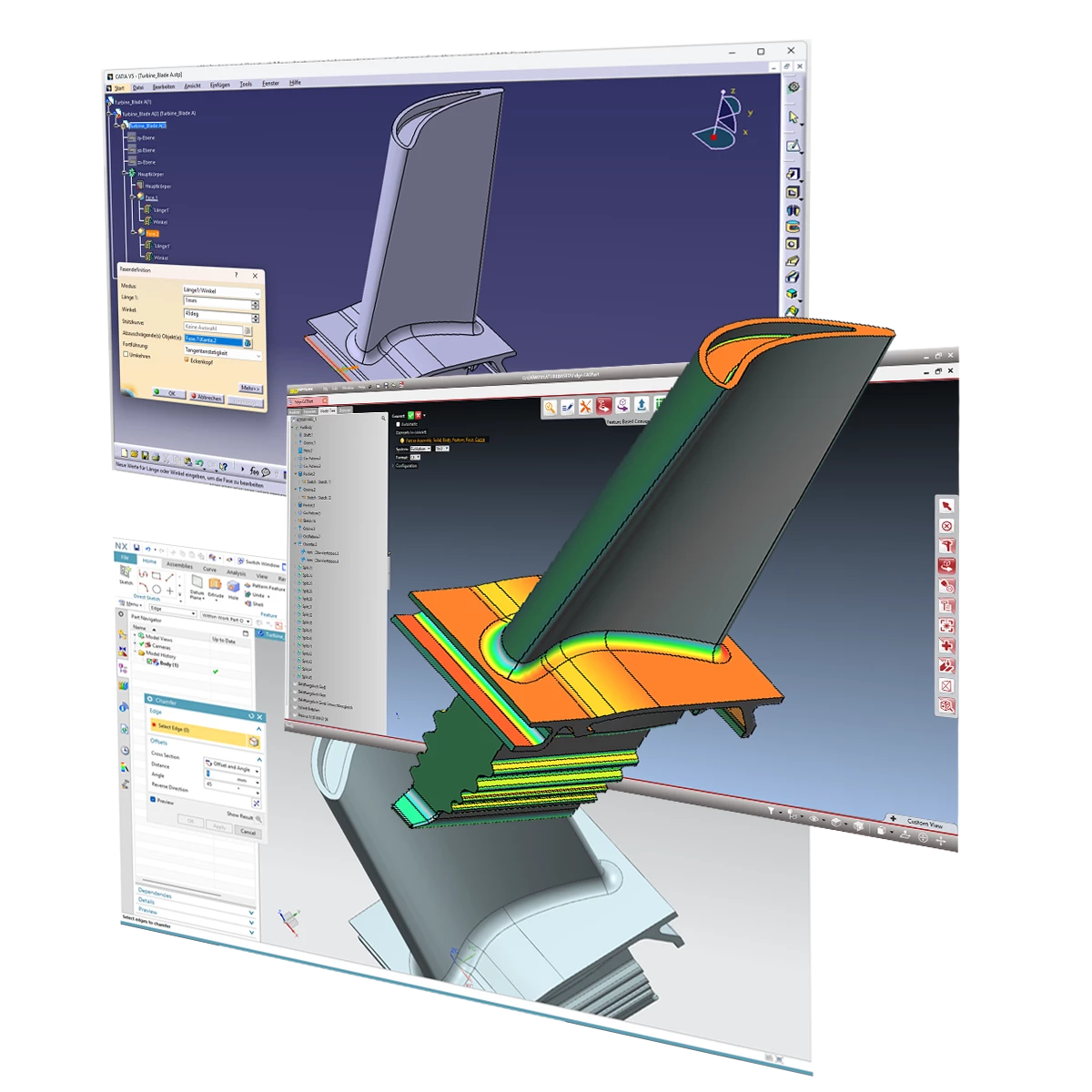
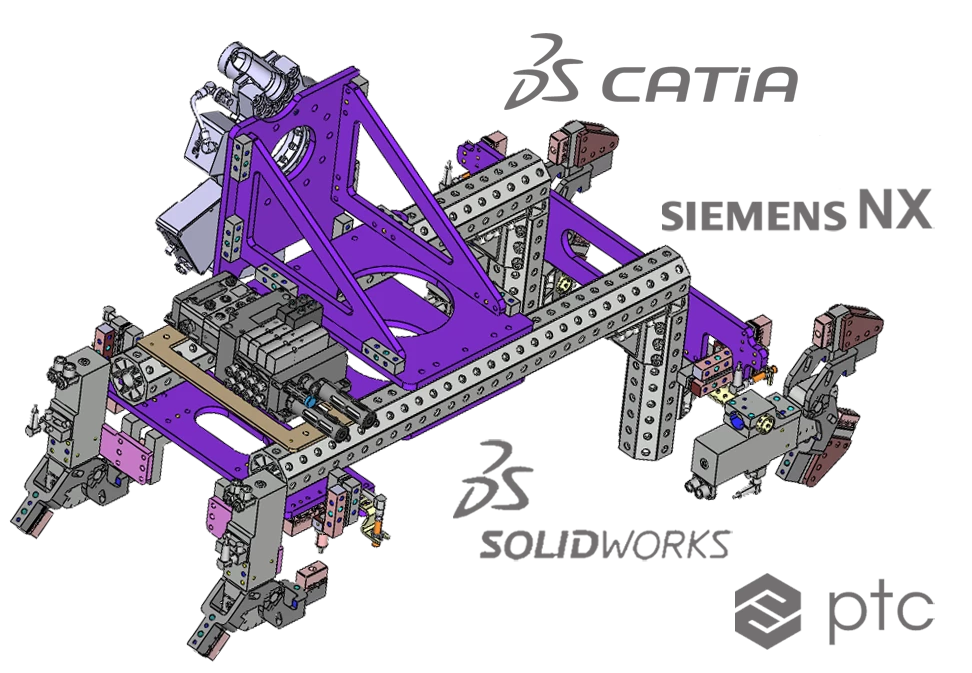
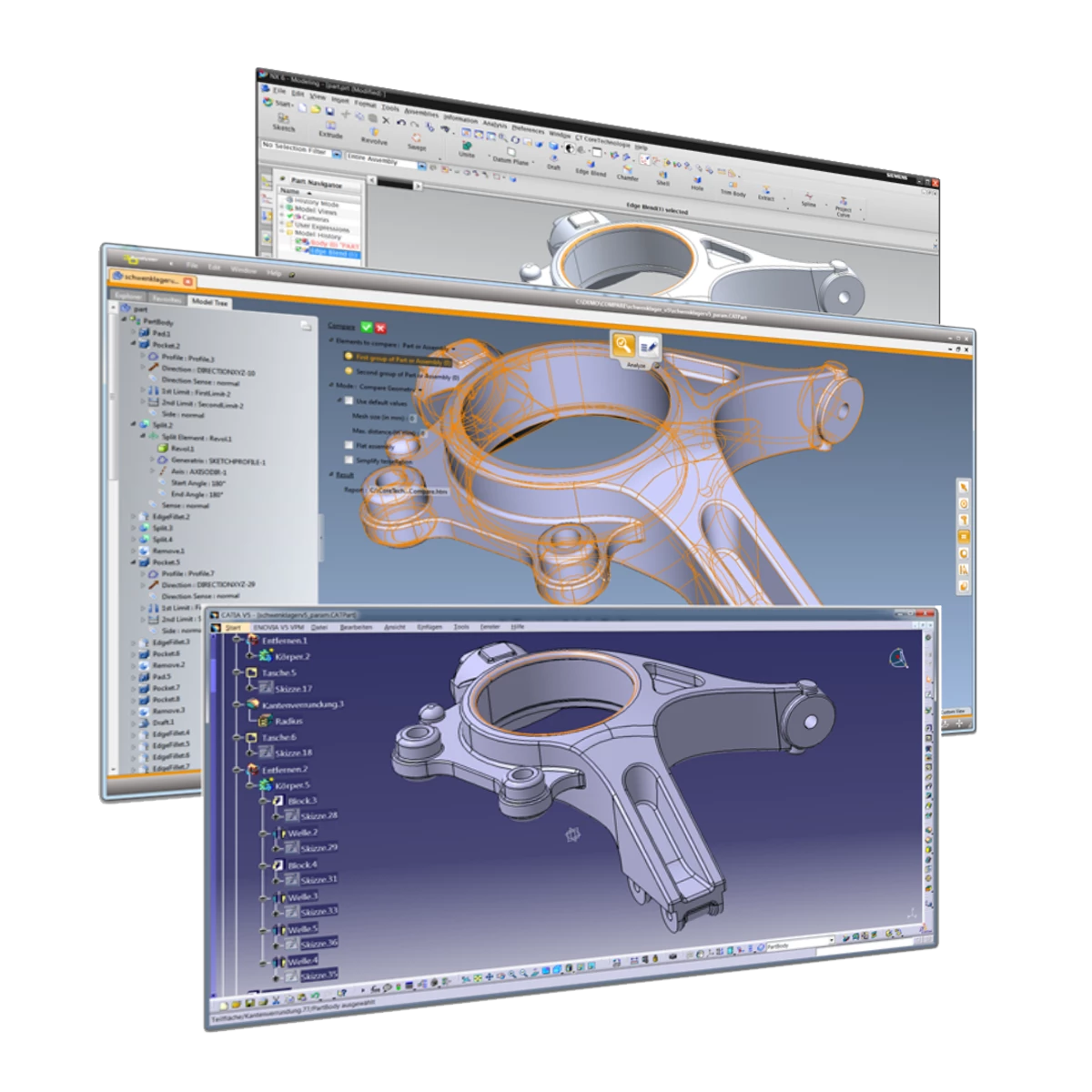
3D_Feature converts fully functional CAD models between all major CAD Systems such as Catia V5/ V6, Nx, Creo and Solidworks without losing the design intend of original CAD models.
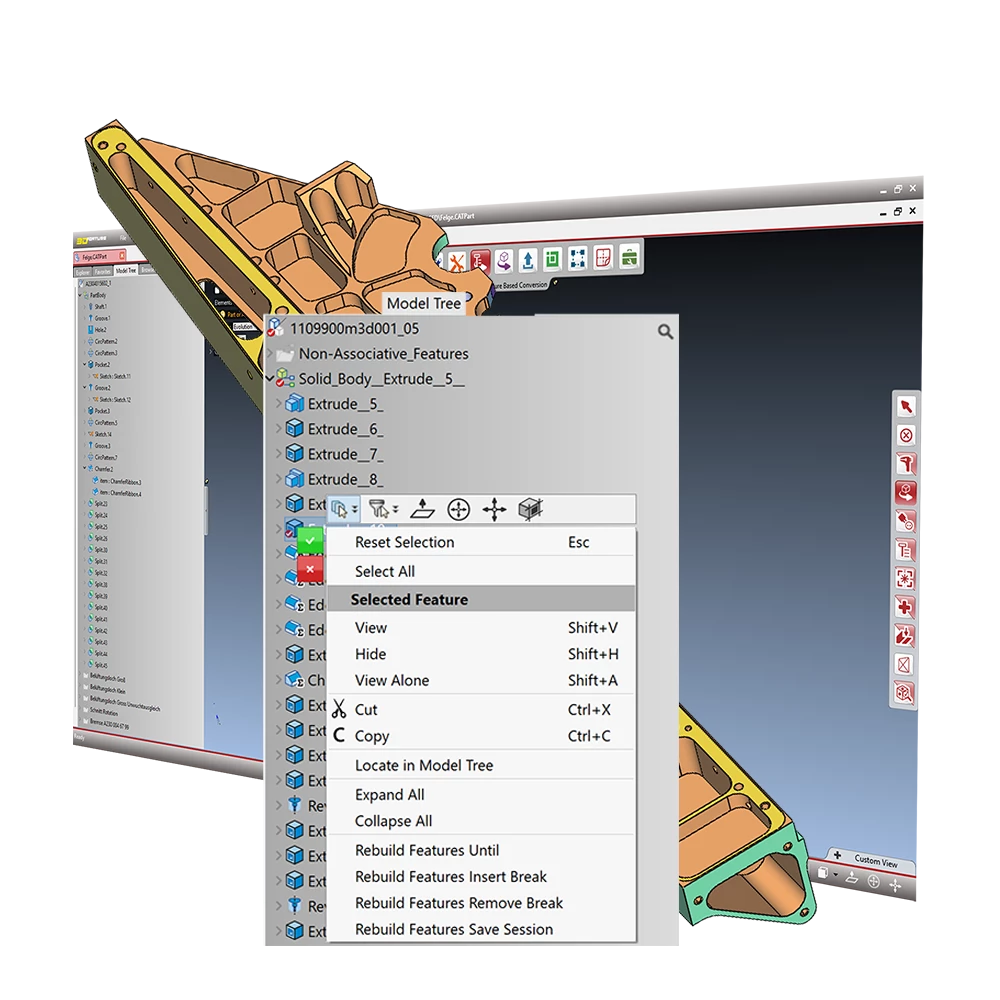
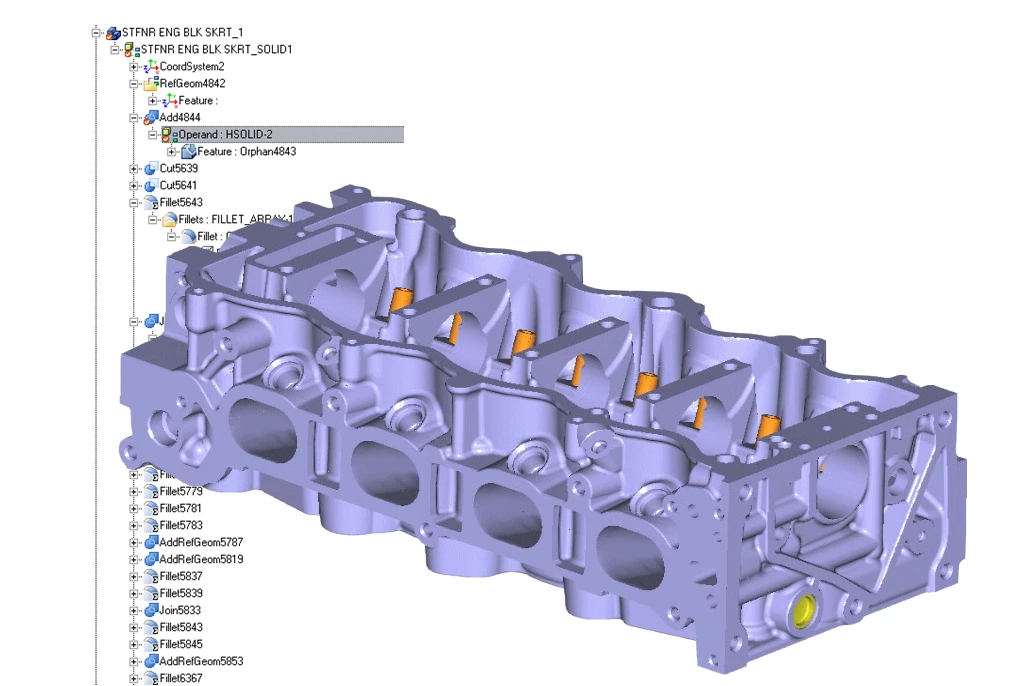
• Conversion of the feature history tree and parameters
• Parts and assemblies conversion
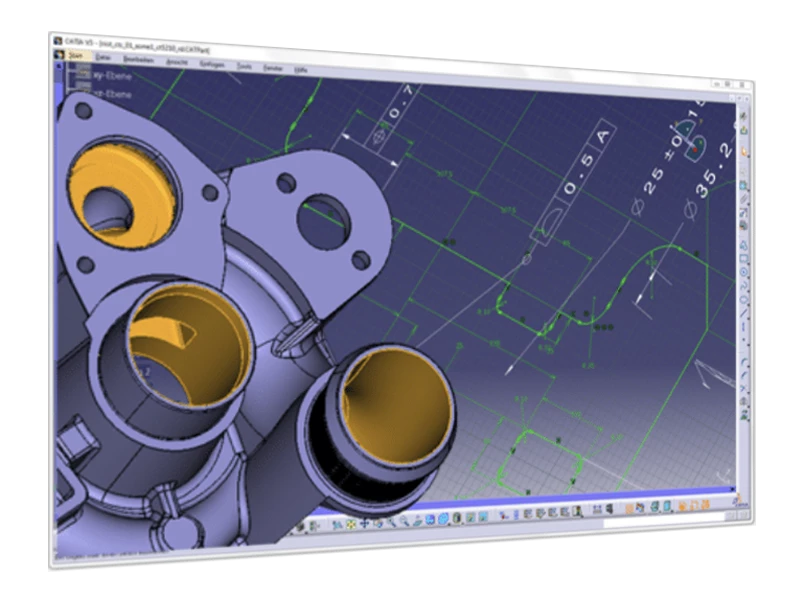
• Feature sketches with constraints and annotations
• Conversion of 3D PMI and metadata
Models converted with 3D_Feature contain the design history tree with features and parameters, feature sketches with constraints as well as attributes and Product Manufacturing Informations – as designed in the original CAD-System.
You are currently viewing a placeholder content from YouTube. To access the actual content, click the button below. Please note that doing so will share data with third-party providers.
More Information
The future of interoperability
Today companies demand interoperability that goes further and preserves the full functionality and value of their CAD data.
Our innovative Feature Based technology gives companies the freedom to optimize human resources within MCAD environments or migrate fully workable legacy data without losing knowledge, value and time.
Native interfaces
CoreTechnologie is the leading global provider of reverse engineering of CAD interfaces. In-house developed interfaces read and extract the entire design history and all other information from the of the native CAD files – without limits.
All information like the design history, features and parameters, sketches as well as the assembly structure is extracted directly from the binary files – without requiring access to a license or an API of a CAD system.
Adaptive conversion
To enable a seamless conversion 3D_Feature performs an adaptive optimization of the design history before the rebuilding process in the target system. All feature types and the data structure is adapted to the target systems requirements.
Feature types not available in the target system are replaced and feature settings are adapted in accordance to the requirements of the target system.
DIN or ISO Hole Features can be redefined to either one of the norms or to change the norm for the complete part. Holes that are not specified as DIN or ISO can be recognized and defined as such automatically.
Smart automatic reconstruction
CoreTechnologie plug-ins for Catia V5, Nx, Solidworks, Inventor and Creo enable an intelligent rebuilding process that reconstructs the design history step-by-step giving users perfect workflow control.
- Controlled feature-by-feature reconstruction with pause options
- Session saving at any point for flexibility when converting large models
- Automatic standard conversion (ISO and DIN) during processing
- Support for multi-body modeling e.g. for Creo
- Intermediate B-Rep storage for enhanced accuracy
- Structured transfer and visualization of metadata
- Conversion of multi-model links, PMI and assembly structures
This exclusive technology ensures highly accurate conversion of CAD models maintaining design intelligence and editability.
Perfect sketch constraints
After conversion with 3D_Feature, the sketches of features like extrusions, pads and lofts comprise the exact same constraints and annotations that have been created by the designer in the original CAD system.
This makes it easy to understand the model and follow the original design intent. The conversion preserves specific knowledge and makes it easy to change the migrated model in the target system.
Healing for imported B-Rep
If a featurebased model contains imported solids as base of a featured based design tree our integrated healing functions allow for optimal data quality and a smooth process.
By removing gaps as well as over lapping and twisted surfaces on the imported geometry the target system gets a closed volume as a start of the feature operation. In addition the integrated repair functions allows to get a valid solids in seconds if the automatic healing leaves errors.
Geometric validation
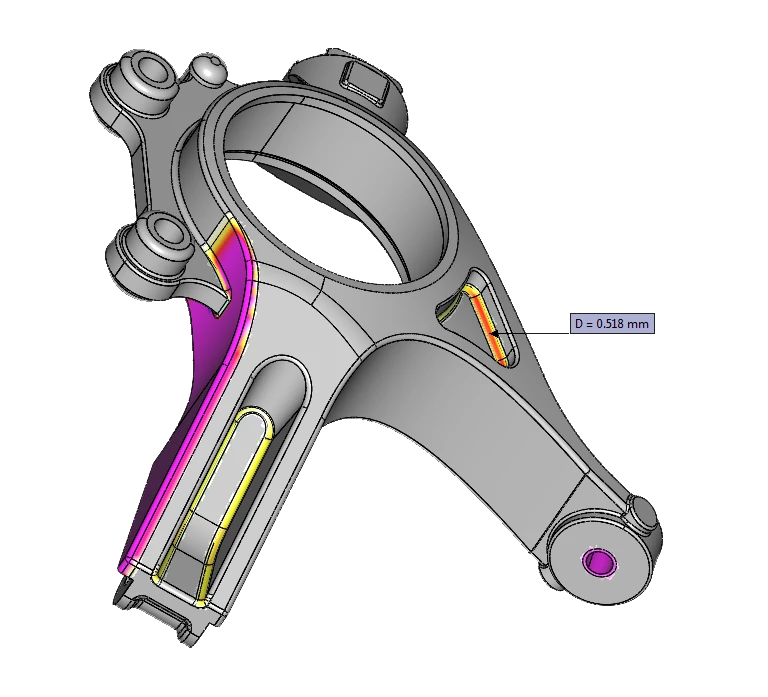
To validate the conversion result, the shapes of the original model are compared with the converted models by means of the integrated geometrical compare function.
If a difference is detected, the log file lists the maximum deviation, and the software creates a lightweight visualization model to highlight the variances in the user interface of 3D_Feature.
By this means differences of the source and the converted model are easy to identify and converted models with no geometrical differences are 100% perfect.
You are currently viewing a placeholder content from YouTube. To access the actual content, click the button below. Please note that doing so will share data with third-party providers.
More InformationDOWNLOADS
CONTACT
FIND OUT MORE
© Copyright CT CoreTechnologie Group 2024